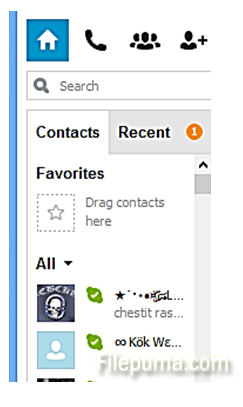
How to Import your Contacts from a Backup File into Skype?
If you changed your computers recently, or if you want to transfer contacts from a previous Skype account, you can import contacts into Skype from any backup you have. Contacts...

Reviews
If you changed your computers recently, or if you want to transfer contacts from a previous Skype account, you can import contacts into Skype from any backup you have. Contacts...
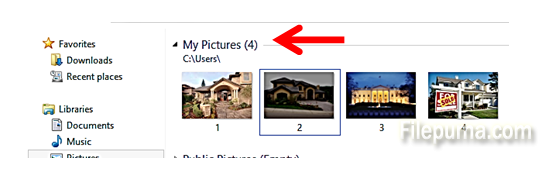
When opening your pictures, you may want to only view them in a different program than the default “Windows Photo and Fax viewer” in Windows. You may wish to choose a different...

Sometimes you may want to work on a document and watch a movie at the same time on your computer. The problem is that when you click on another application, such as Microsoft wo...
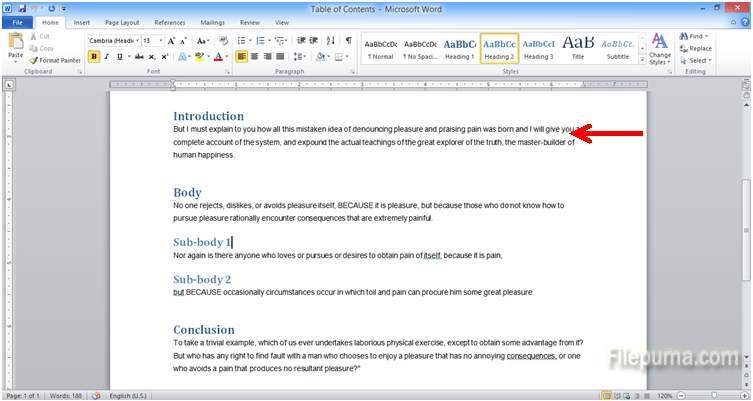
When reading tightly written text, the reader’s eye gets tired easily. Microsoft Word offers you an option to increase the spacing between the rows of text and make them accordi...
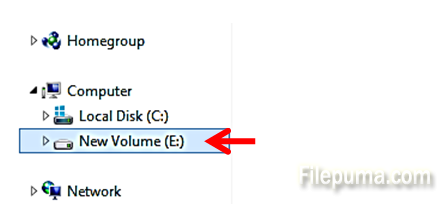
From time to time, it is a good idea to check all hard disk drives on your computer for errors. The errors, if undiscovered, may later cause loss of data, corruption of your fil...
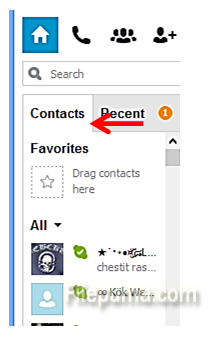
If you are switching computers, or re-installing your computer, you may want to save and backup everything you have. Contacts in Skype can also be backed up to be added to your...
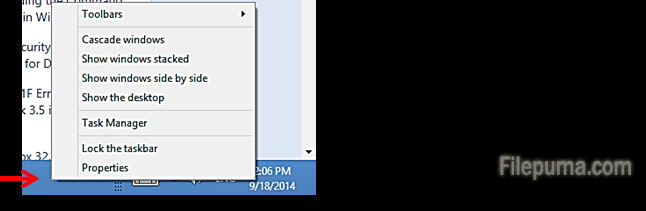
In the newer versions of Windows 7 and Windows 8, the desktop screen does not have the old-time favorite “Start” button. For those who liked the “start’ button in the bottom lef...
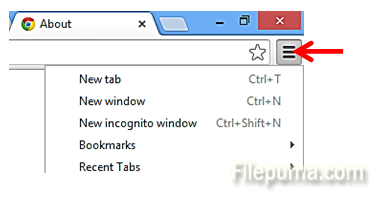
When clicking on a webpage link, or opening any html file, your computer starts a web browser. If you want to make Chrome your default web browser, you can do so during the init...
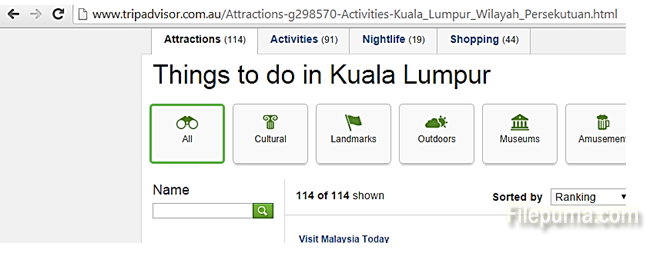
If you are traveling and you want to be able to see the content on some travel tips pages, maps or directions, you may be able to save most of the webpage’s content and view it...
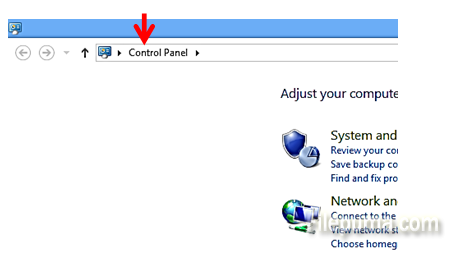
You Windows computer has a special setting which lets you control whether the updates for your Windows should be installed automatically or not. Because updates are downloaded f...
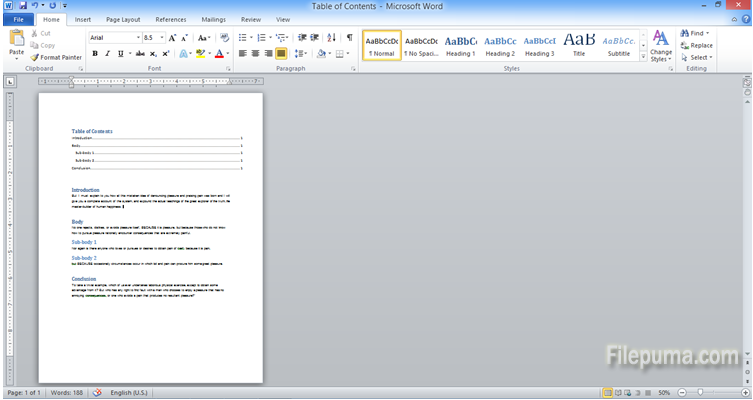
By default, Microsoft Word opens a document which has the shorter side of the page on top. If you want to use the wide side of the page when making a document, you may need to s...
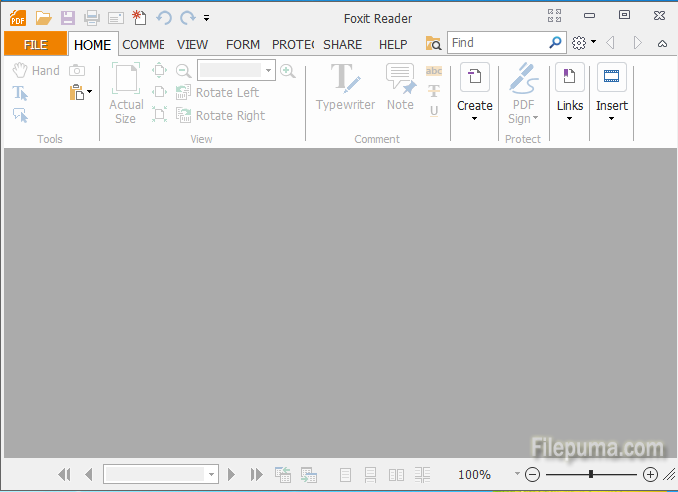
If you want to prepare a series of photos for printing, sending via e-mail or web publishing, or you want to add them to an electronic booklet, you can convert them to a PDF fil...
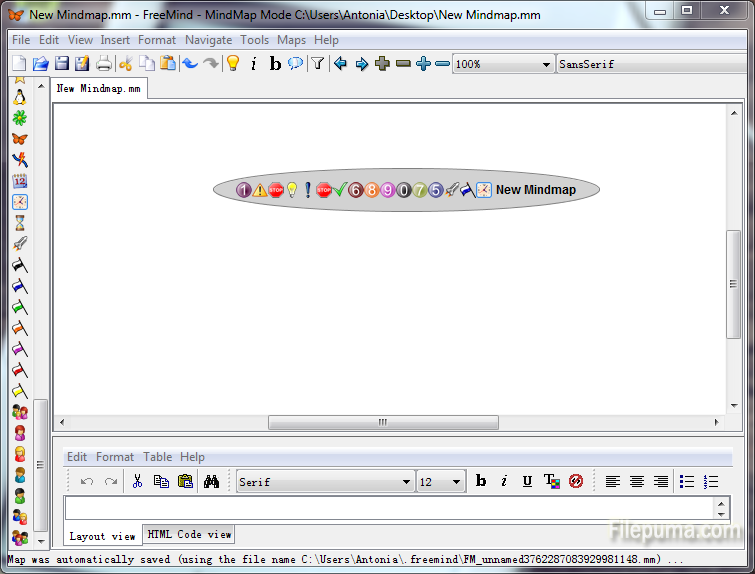
FreeMind is a premier free mind-mapping software written in Java. You can export a map created in FreeMind into a Word document using the "Export" tool. This is very useful whic...
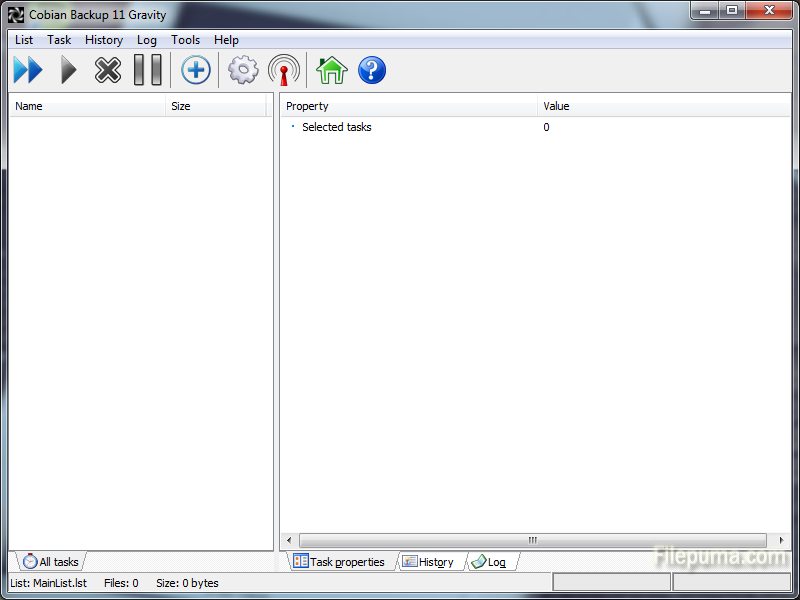
Cobian Backup is a multi-threaded program that can be used to schedule and backup your files and directions from their original location to other directions/drives in the same c...
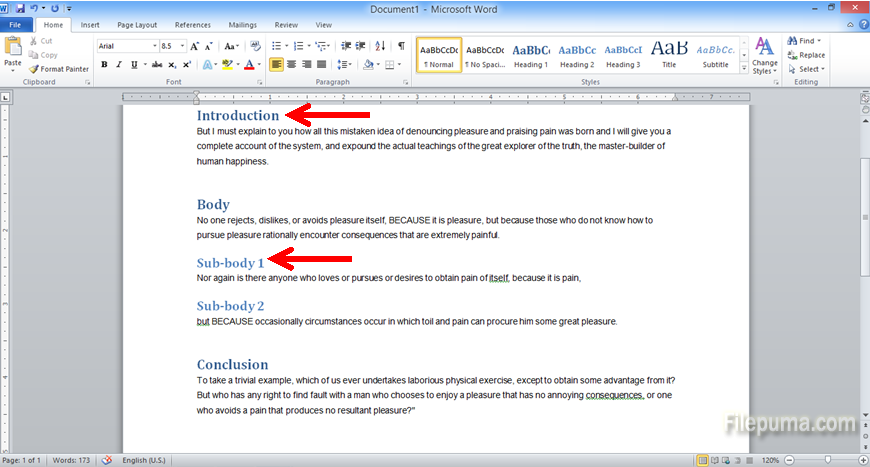
Microsoft Word has a neat embedded feature which lets you create an automatic Table of Contents for your document in a quick one-click way. Firstly, you will need to prepare you...
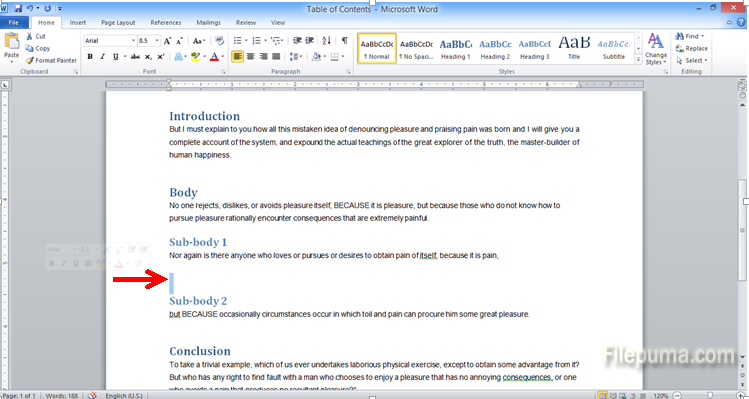
Very often it is best to illustrate your point with a diagram, in addition to any description in plain text. Microsoft Word offers you a set of ready-made diagrams, so that you...
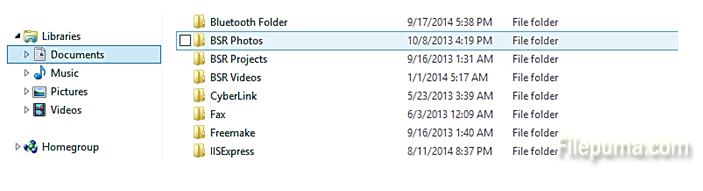
If any folders or files have been hidden from view in the tree view of your computer’s contents, you may want to have them back in view. Here is how to un-hide files, documents...
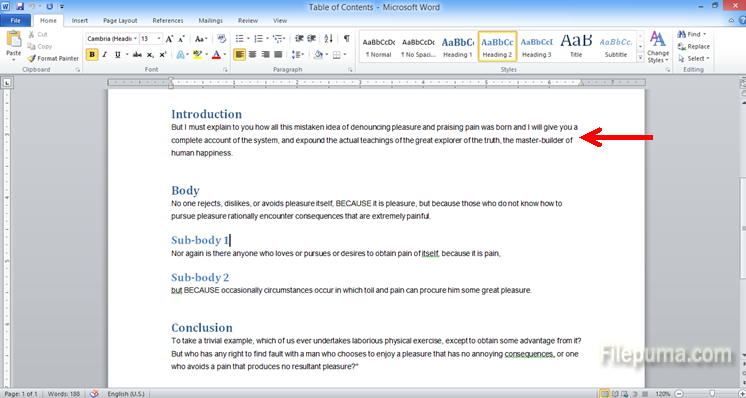
Microsoft Word is the most commonly used program for text entering and editing. When finalizing the look and feel of your document, be sure to align the text correctly. By align...
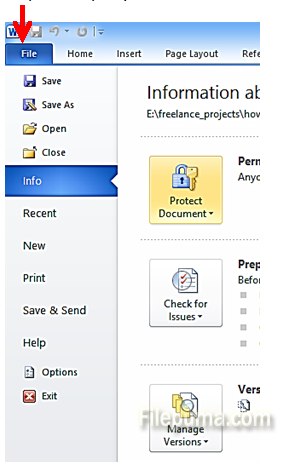
If you want to send a document just for viewing, without the receiver being able to edit your document, it is best to send PDF document rather than a Microsoft Word document. He...
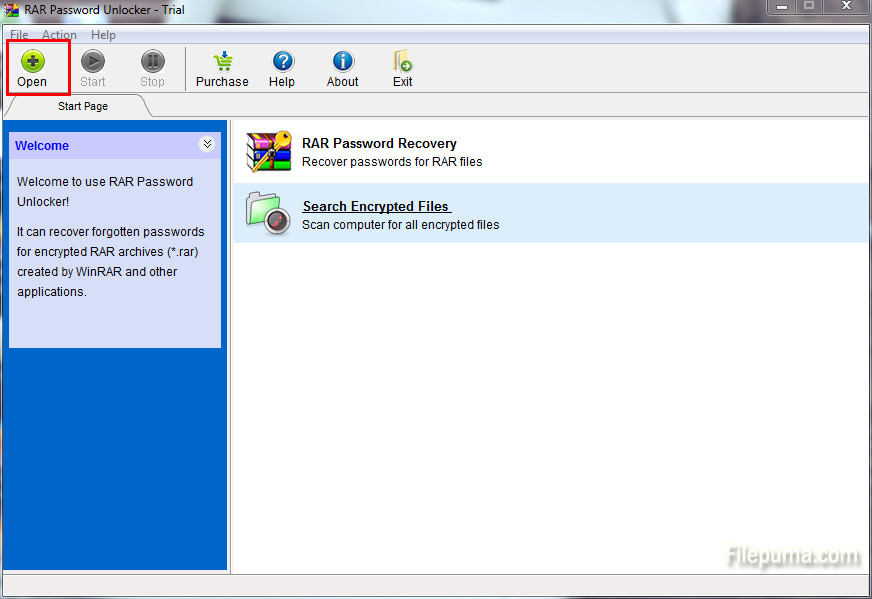
RAR Password Unlocker is proved to be a helpful tool when you forgot WinRAR/RAR password and cannot open the RAR archives. Sometimes we may find a file we need is encrypted, it...
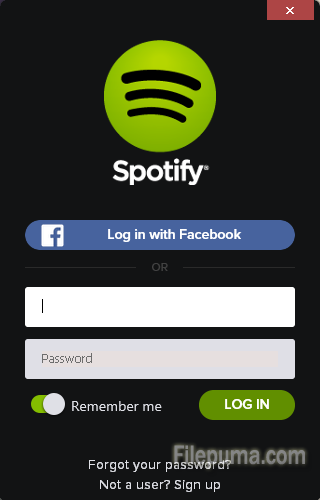
With Spotify, it’s easy to find the right music for every moment – on your phone, your computer, your tablet and more. The service enables users to stream a wide variety of musi...
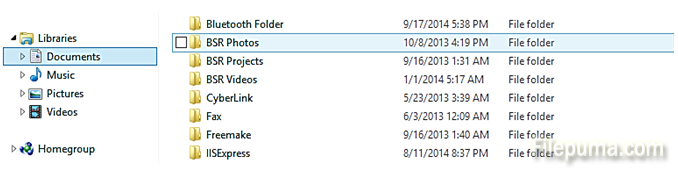
If you want some folders or documents to NOT be seen in the tree view of your computer’s contents, there is a neat Windows functionality for hiding files. Here is how to hide fi...
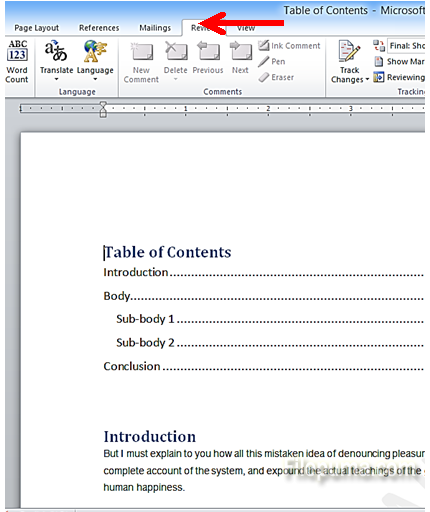
If you want to send a copy of your document for review but you want to protect it from unauthorized editing, Microsoft Word has a convenient tool to restrict editing. Here is ho...
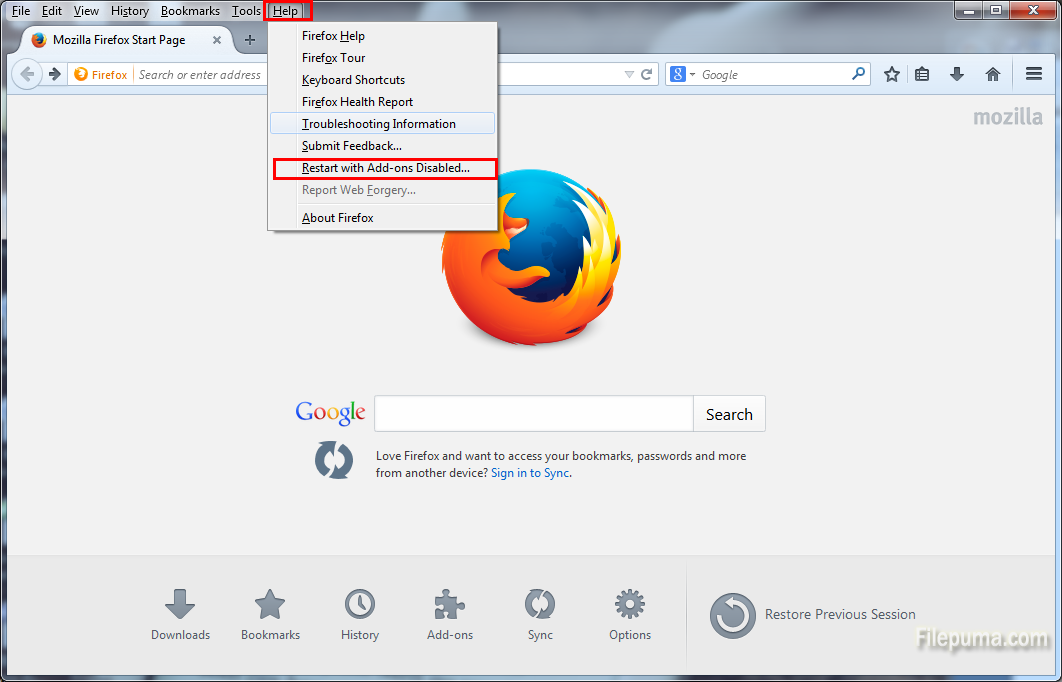
Mozilla Firefox is a fast, full-featured Web browser. Firefox includes pop-up blocking, tab-browsing, integrated Google search, simplified privacy controls, a streamlined browse...
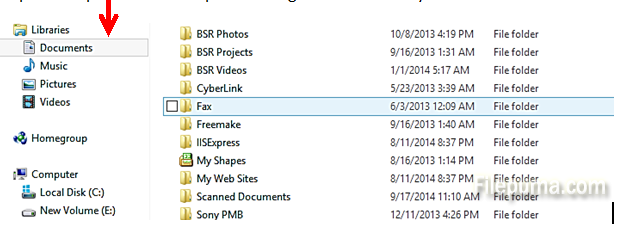
If you want to keep some documents on your machine not accessible to other users, you can use the features of Windows Explorer. It gives you good detailed options about not allo...
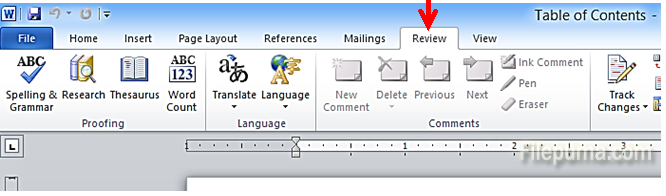
When you want to make edits on someone else’s document, and you want them to see what changes you have made, Microsoft Word has a handy tool. By tracing your changes, others can...
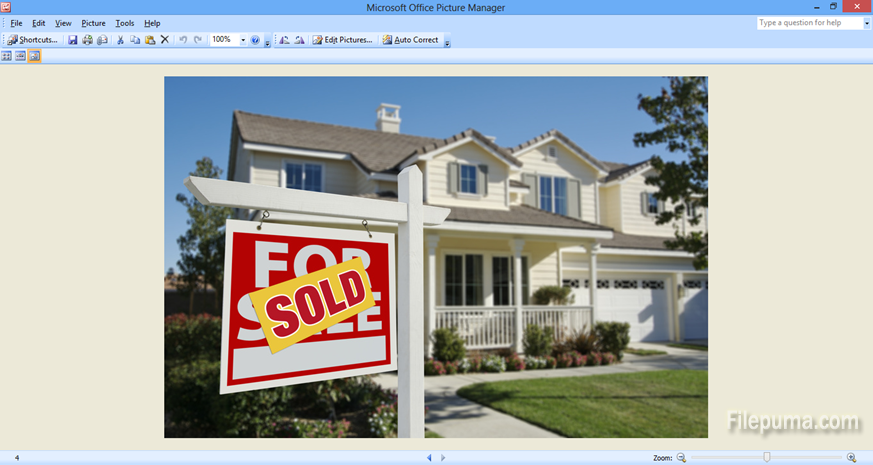
If you want to use just a part of your photo, you don’t need any professional tools. You can easily crop and adjust the photo using Microsoft Office Picture Manager. Here is how...
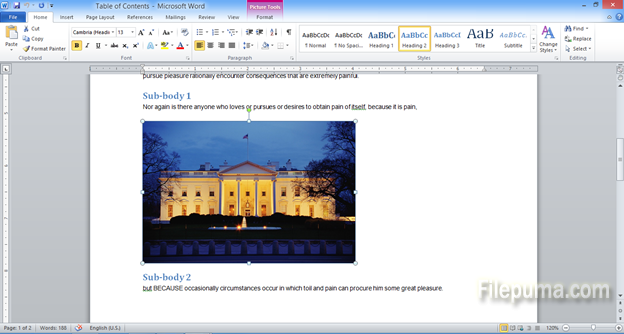
Once you have many photos or images in a document, you may decide you want to edit them. However, you don’t have to open again the photos to edit in a different software and ins...
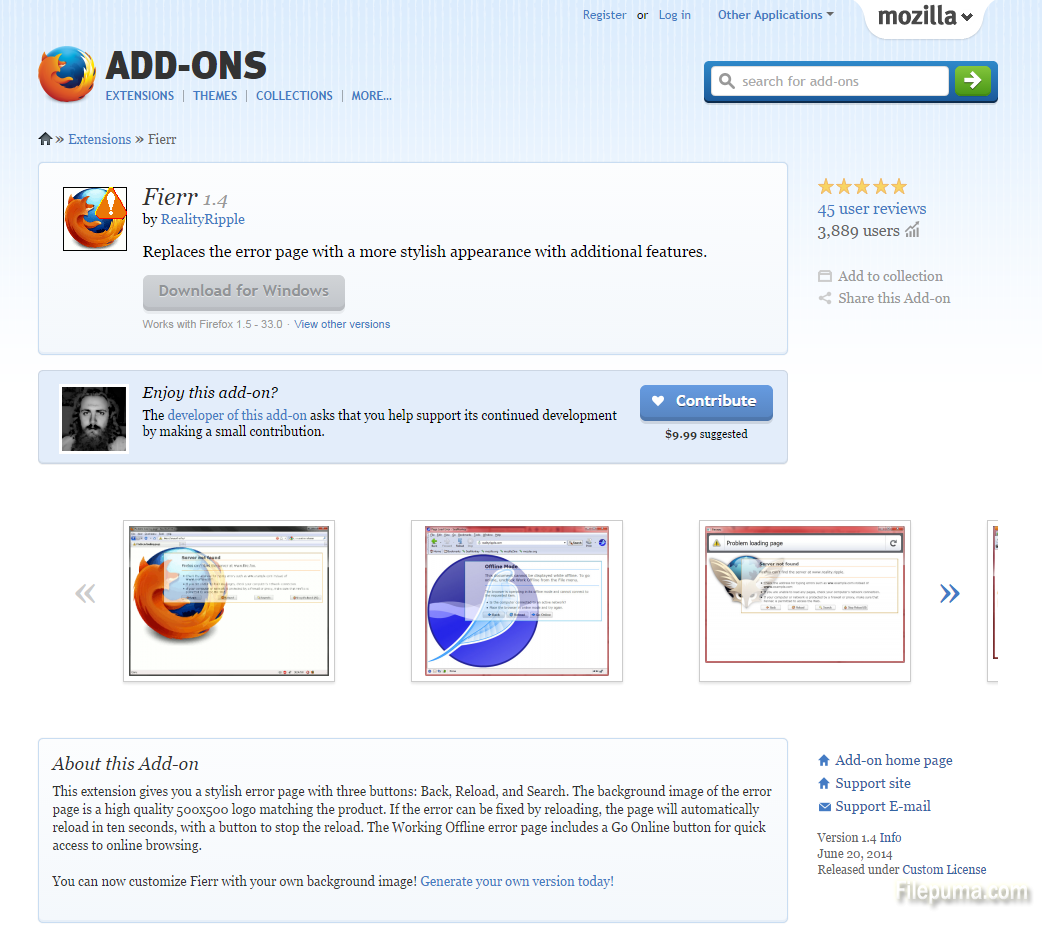
When you try to navigate to an inaccessible website, the Mozilla Firefox error page may come out. But sometimes reload or refresh still cannot solve this problem. You can improv...
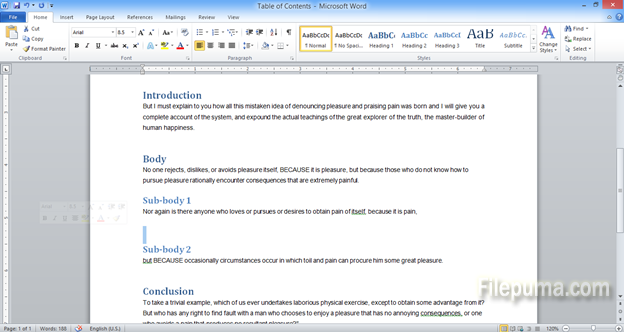
Together with your black&white text document, it is a good idea to insert some pictures or photos connected to your descriptions. You can use both your own images or pre-install...
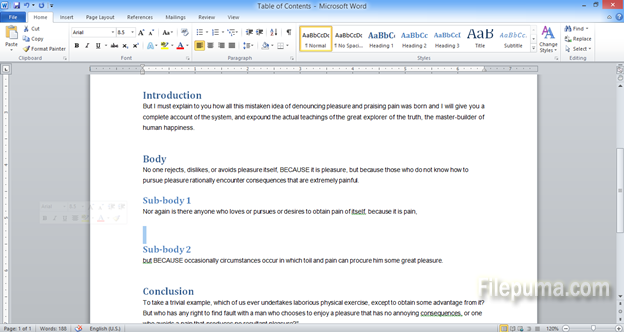
A document is always easier to read if it has pictures in addition to the text. You can use your own images (photos or drawings) to add to a document in Microsoft word. Here is...
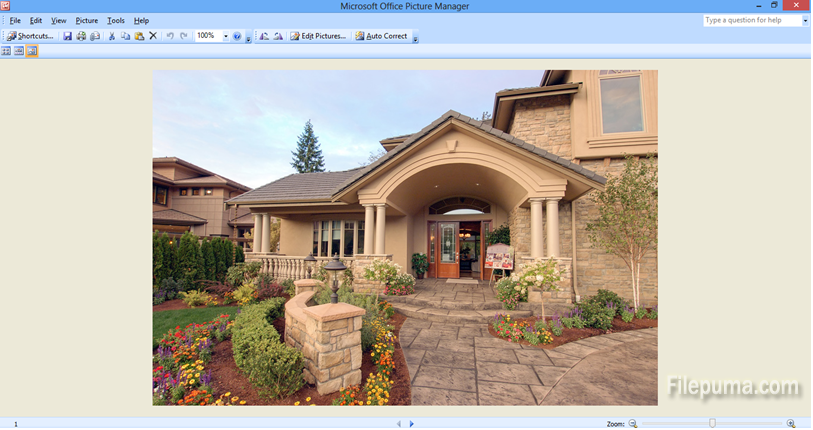
If you want to create art and add a bit of sepia flavor to your photos, you can use Photoshop. However, not everyone has professional software on their computer. So here is a si...
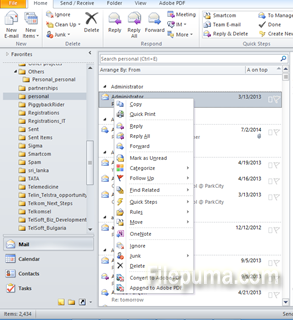
If you are receiving too many emails and have trouble sorting them, you may want to add an automatic filter which sorts all incoming mails for you. This is very handing to keep...
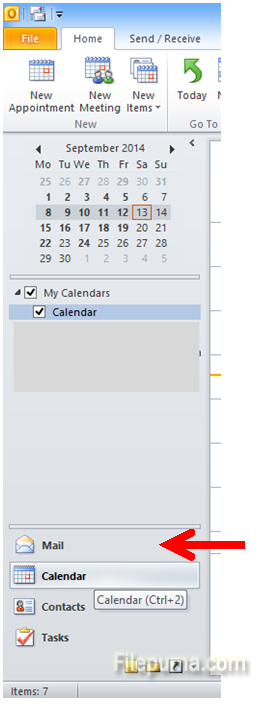
If you want to organize your work you may want to keep your emails sorted and classified in folders. This is an easy way to find things quickly, by topic or by sender’s name. He...
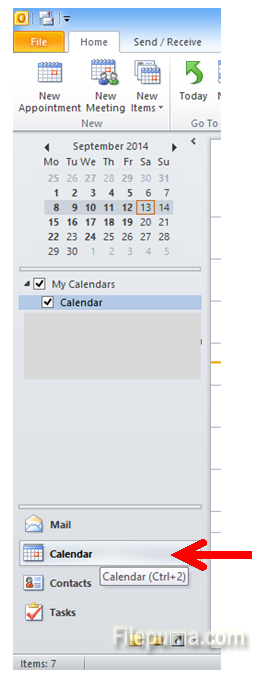
To keep your diary up to date, it is a good idea to enter your appointments and meetings. Microsoft Outlook offers neat functionality in the calendar which includes reminders be...
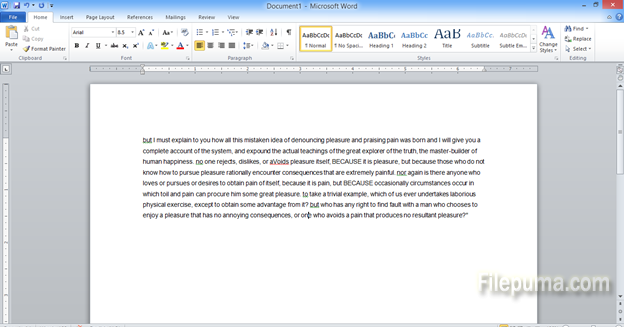
Sometimes when typing too hastily, you could end up putting small letters on all your text. Or when editing someone else’s text, you could notice they mistakenly did not capital...