Flipping words in a document is a great way to spice up your text. You can use upside down words in many aspects, such as in a greeting card, brochure or flayer. This article will guide you through flipping words upside down with GIMP.
Step One: Download GIMP and install it on your computer.
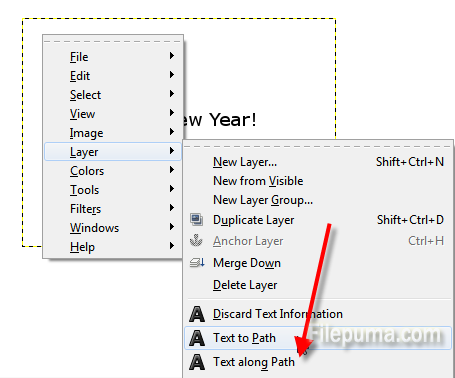
Step Two: Launch GIMP and press “T” to select the Text tool, type the words you want to flip anywhere on the canvas. 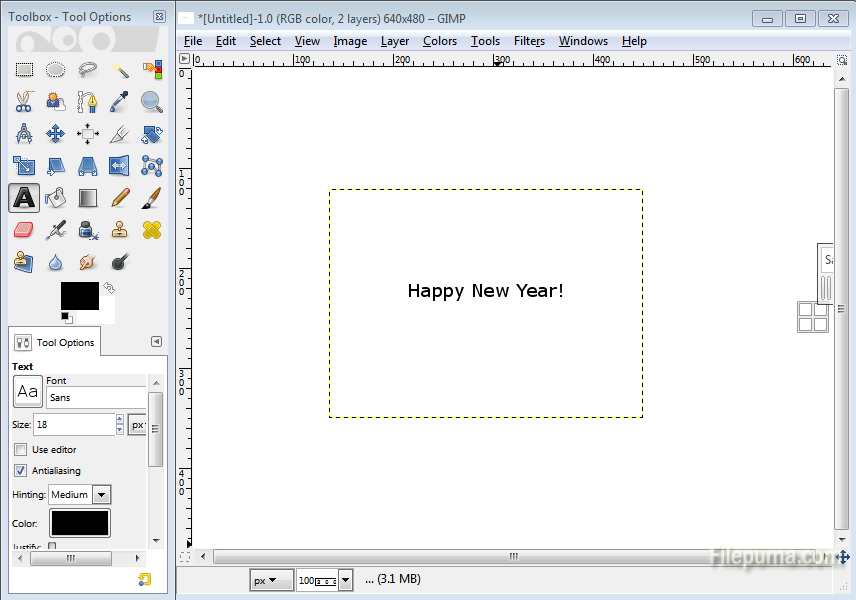 Step Three: Right-click on the text box, select “Layer” and click “Text to Path” to transform the text into a path.
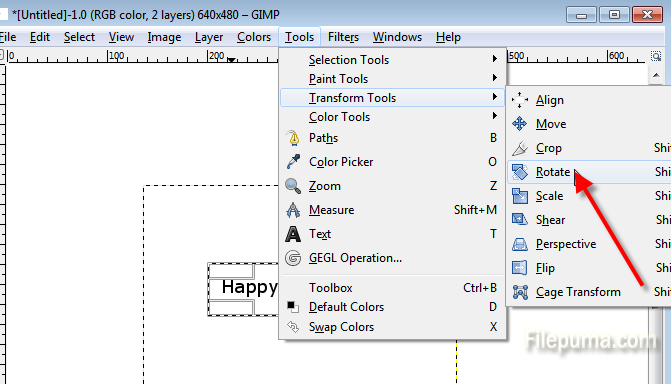
  Step Four: Press “R” to select the Rectangular Select tool. Drag a box around all the words you want to flip. Click “Tools—Transform Tools” and click “Rotate” to open the Rotate window.
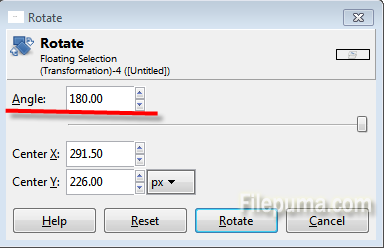
  Step Five: Type “180” into the Angle box in the Rotate window and click “Rotate” to flip the words upside down.