
PostgreSQL is a powerful, open source object-relational database system. It has more than 15 years of active development and a proven architecture that has earned it a strong reputation for reliability, data integrity, and correctness. Changing a PostgreSQL user password is accomplished using the “postgres” command prompt. Here is the instruction to tell you how to change a Postgres User Password. 
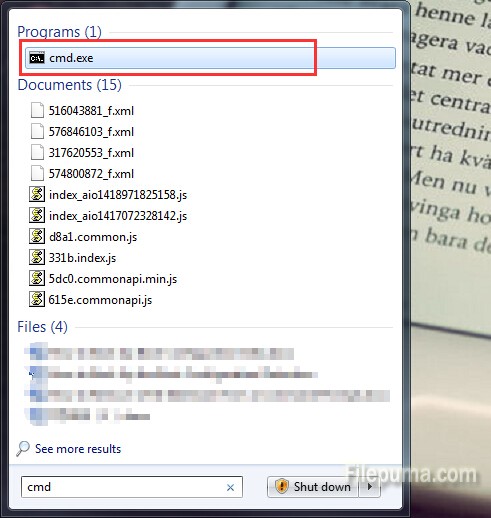
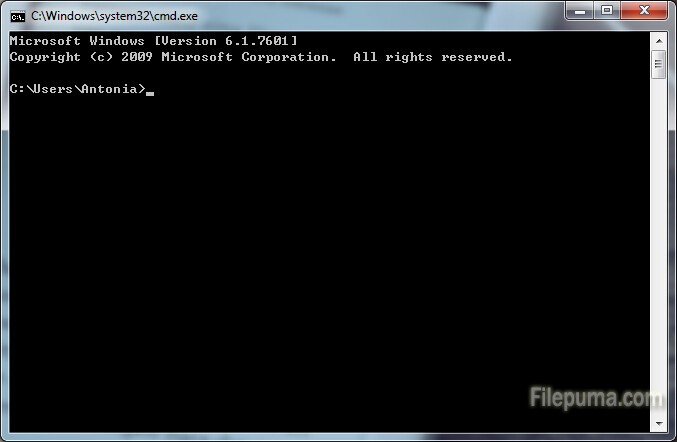
1. Click “Start” and enter “cmd” in the search bar, click “Enter” to open the command prompt window.
2. Enter the command “psql -h
3. Change the password of the PostgreSQL user. Type “ALTER USER